Understanding Apple’s Lockdown Mode: The Pros, Cons, and Reality of Extreme iPhone Security
Article Editorial Team
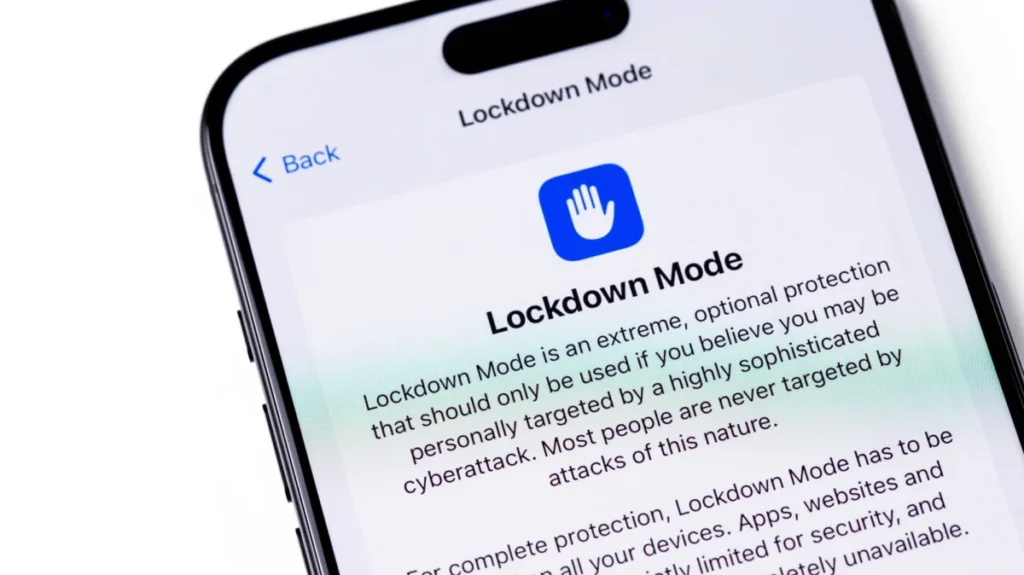
In the modern digital landscape, smartphone security has evolved into an ongoing battleground between software developers and sophisticated cyberattackers. While standard consumer operating systems now include robust encryption, advanced privacy permissions, and frequent security updates, high-profile targets often require even greater protection. Enter Lockdown Mode—an advanced security feature introduced by Apple that transforms an ordinary iPhone into a nearly impenetrable fortress against commercial spyware, albeit at a significant cost to everyday functionality.
First rolled out by Apple in 2022 alongside iOS 16, Lockdown Mode remains largely hidden away within the deeper recesses of the device’s Settings application. For the vast majority of smartphone users, the feature is entirely unnecessary, operating as a specialized tool designed specifically for a very small demographic of individuals who face unique digital threats. These potential targets often include investigative journalists, political dissidents, human rights activists, and government officials who may find themselves squarely in the crosshairs of aggressive commercial spyware developers, most notably the creators of surveillance tools like the NSO Group’s notorious Pegasus software.
How Lockdown Mode Operates Across Apple Ecosystems
For those running compatible software—specifically iOS 16 or newer on an iPhone, iPadOS 16 or later on an iPad, watchOS 10 or newer on an Apple Watch, or macOS 13 Ventura and later on a Mac—enabling Lockdown Mode is technically straightforward, even if its operational implications are severe. Users can locate the setting by opening the system settings, navigating to the privacy and security menu, and scrolling down to the dedicated security control. Activating it requires a simple device restart and passcode confirmation, with the option to disable it residing in the exact same location.
What makes this defensive posture remarkably effective is its uncompromising approach to system architecture. When enabled, Lockdown Mode aggressively curtails or entirely blocks a wide array of standard iOS features, many of which form the backbone of the modern smartphone user experience. Within the Messages app, the vast majority of media attachments are blocked outright upon receipt. Even basic link previews are disabled because malicious actors have historically exploited them as silent backdoors to inject malicious code without requiring user interaction.
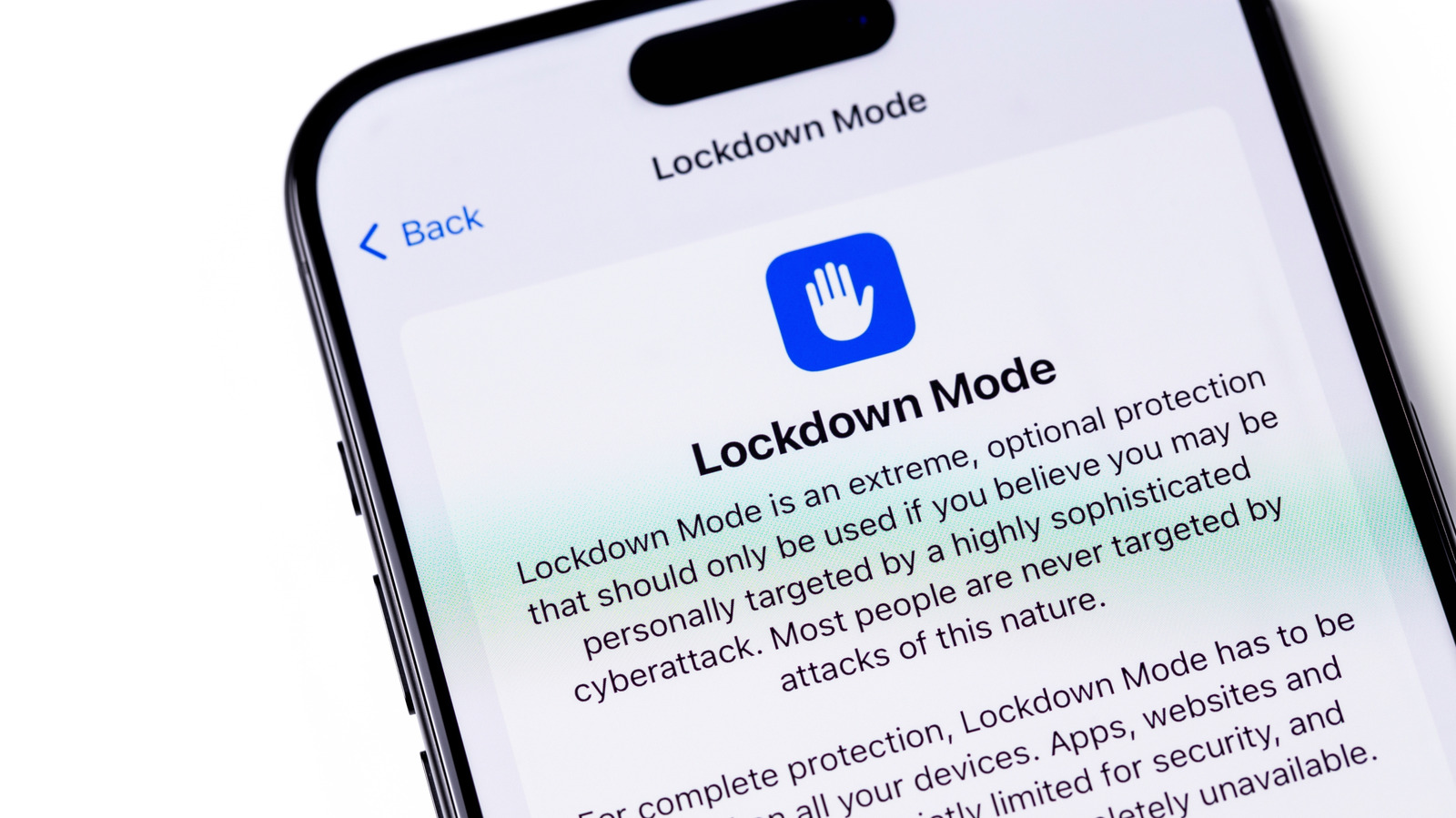
Web browsing is similarly restricted, particularly through the limitation of complex web technologies like Just-In-Time (JIT) JavaScript execution. While this drastically reduces the attack surface for browser-based exploits, it can simultaneously cause numerous mainstream websites to load sluggishly or fail to render properly altogether. Communication features are also severely pared down; FaceTime calls, for instance, are restricted so that only individuals who have been recently called by the device owner can successfully place an incoming call.
Connectivity and Ecosystem Restrictions
Beyond communication and browsing limitations, Lockdown Mode exerts tight control over how the hardware interacts with the physical world and surrounding networks. When the iPhone is locked, all wired USB-C or Lightning connections are completely disabled. This security measure prevents unauthorized external hardware, accessories, or computers from communicating with the device unless the owner explicitly unlocks it with their passcode.
Wireless connectivity undergoes a parallel hardening process. An iPhone operating under Lockdown Mode will refuse to join unsecured Wi-Fi networks automatically. Furthermore, legacy cellular protocols such as 2G and 3G networks are completely shut down, a measure designed to thwart cellular base station spoofing attacks, commonly known as IMSI catchers or stingrays, though these older networks have largely been phased out in regions like the United States.
The restrictions extend deeply into the broader Apple device ecosystem. Users cannot install configuration profiles, a limitation that can pose significant hurdles for students or employees whose educational institutions or corporate IT departments mandate such profiles for network access or device management. For users who wear an Apple Watch, incoming phone call notifications from the paired iPhone will fail to display on the wrist. Additional Apple ecosystem services suffer reduced functionality as well; Home app invitations are disabled, Game Center features are restricted, and photo-sharing capabilities through shared libraries or cloud features face strict limitations.
Evaluating the Trade-Offs: Extreme Security Versus Usability
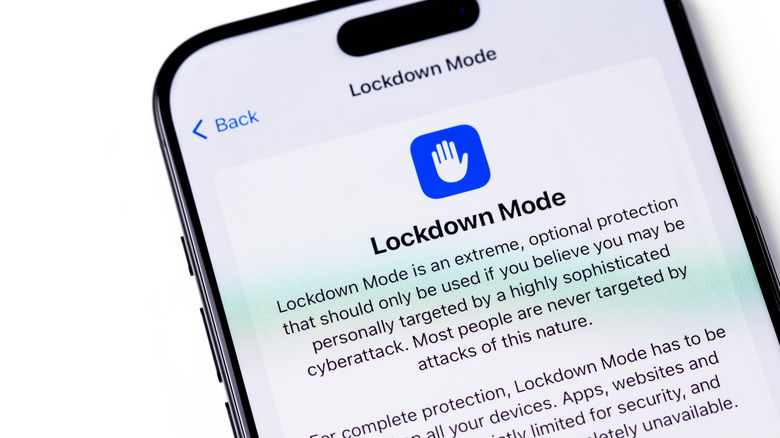
The aggressive nature of Lockdown Mode is a direct response to increasingly sophisticated, zero-click exploits that require no user interaction to compromise a device. A prominent example occurred when security researchers discovered an exploit chain dubbed "Blastpass," which leveraged vulnerabilities within iMessage to covertly install Pegasus spyware onto Apple devices. Subsequent analysis revealed that devices operating under Lockdown Mode were entirely immune to the exploit, proving the efficacy of Apple’s extreme defensive measures.
Apple has demonstrated immense confidence in the architectural integrity of Lockdown Mode through financial incentives. The company offers a staggering one-hundred-percent bonus on top of its standard payouts through its ongoing Security Bounty program to any security researcher who manages to find a functional way to bypass the feature. By systematically shutting down potential attack vectors and reducing the device’s overall surface area for exploitation, Lockdown Mode provides near-maximum security, but the price paid for this security is a noticeable reduction in convenience and everyday utility.
The feature does offer a modest degree of customizability for those who require it. Users have the option to exclude specific trusted contacts from messaging restrictions so that family members can still send necessary documents or media files. Similarly, individual websites and applications can be exempted from the security protocols. However, security experts continually emphasize that loosening any of these default restrictions inevitably reintroduces vulnerabilities, making the device slightly more susceptible to targeted attacks. Individuals who genuinely believe they are targets of state-sponsored or commercial mercenary spyware are strongly advised to leave all default protections fully enabled.
For the vast majority of everyday consumers, turning on Lockdown Mode is entirely unnecessary. Modern Apple operating systems already incorporate deep, industry-leading layers of privacy and security features designed to protect the average user from common malware and phishing attempts. Commercial spyware of the caliber Lockdown Mode guards against is exceptionally expensive, tightly controlled, and deployed selectively against high-profile individuals by well-funded entities.
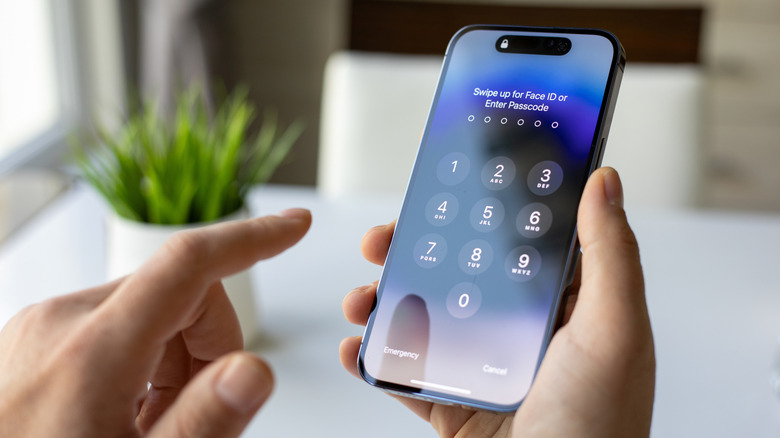
Those who are actively selected as targets often receive direct threat notifications from Apple, alerting them that they have been targeted by state-sponsored mercenary spyware attacks. For anyone receiving such a warning, or for public figures facing severe digital threats, activating Lockdown Mode is an invaluable protective measure. For the casual user, however, experimenting with the mode for a few days quickly reveals whether the daily operational inconveniences outweigh a tier of extreme protection intended only for the few.
Related News