Unlocking Your PC’s Hidden Potential: How to Keep USB Ports Powered When Your System is Shut Down
Article Editorial Team
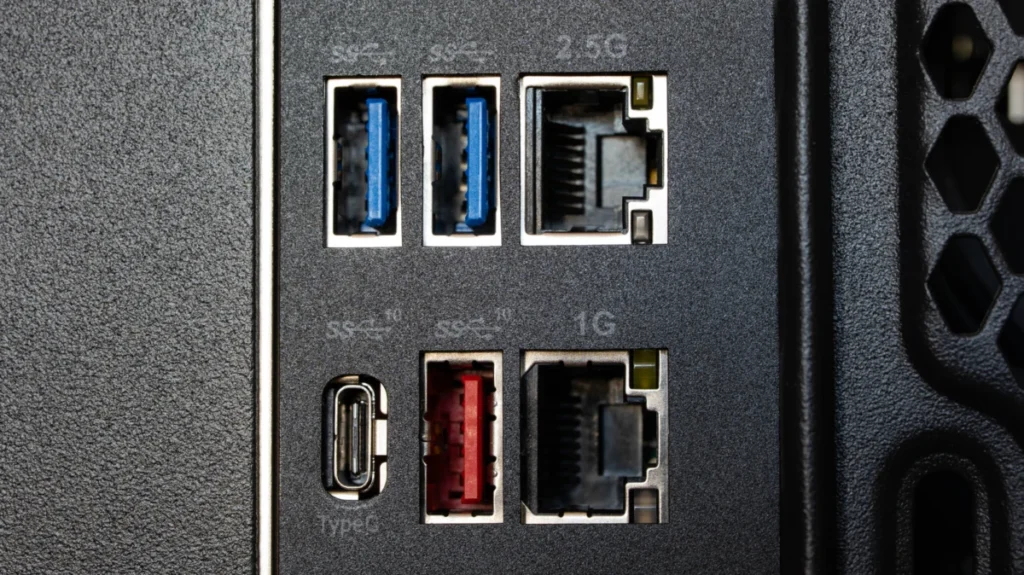
For many computer users, the ritual of shutting down a desktop or laptop at the end of the day signals the end of all active operations. Peripherals power down, fans spin to a halt, and connected devices like smartphones are typically left to find alternative sources of electricity. However, many modern personal computers feature a hidden or underutilized capability that can turn a standard USB port into a reliable overnight charging station, even when the underlying computer is completely powered off.
While almost all PC USB ports supply sufficient electrical current to power up a phone or accessory while the operating system is running, not all of them maintain that flow once a shutdown command is executed. This convenient feature allows users to wake up to a fully charged mobile device without needing an extra wall outlet or a dedicated charging block. Despite its usefulness, the function often remains a mystery to consumers due to inconsistent industry terminology, varying hardware support, and a lack of clear labeling across different computer manufacturers and motherboard designs.
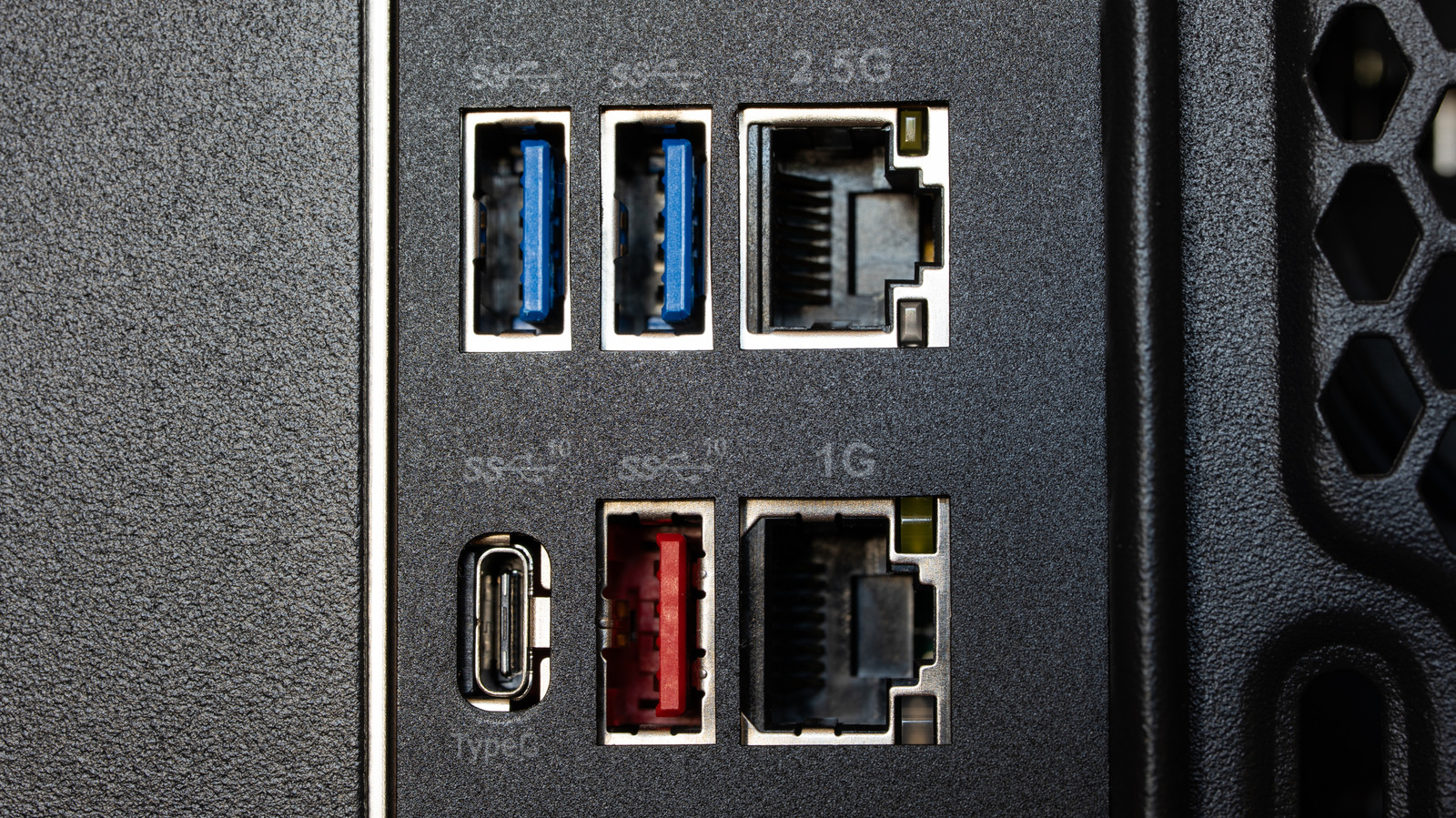
Navigating the feature requires understanding that major tech brands rarely agree on a single name for the capability. For instance, Lenovo frequently refers to these connections as "Always On" ports, while competitors like Dell often use the proprietary term PowerShare. Other manufacturers bypass text descriptions entirely, opting instead for subtle icon labels stamped onto the computer chassis, such as a battery symbol or a small lightning bolt near the plastic housing of the port. For users attempting to identify whether their specific hardware supports the function, consulting the original system documentation or examining physical port markings remains the most reliable starting point.
Depending on the specific system configuration, USB standby power may be enabled straight out of the box, or it might be tightly controlled by aggressive energy-saving profiles designed to cut all electrical draw when the machine enters a powered-down state. Desktop users and builders can typically find definitive answers within their motherboard documentation. Fortunately, testing the feature requires very little technical expertise: users can simply plug a mobile phone into the computer, initiate a standard system shutdown, and observe whether the device continues to draw a charge.
If the phone stops charging immediately upon shutdown, it is safe to assume that the setting is currently disabled, assuming the hardware supports the capability in the first place. For the vast majority of Windows-based PCs, this behavior can be adjusted by accessing the system’s BIOS or UEFI firmware interfaces. Users can access this environment by restarting their computer and repeatedly pressing a specific designated startup key, which is usually displayed briefly on the screen during the initial boot sequence and commonly maps to keys like F2, Delete, or F10. Once inside the firmware menu, navigating through sections labeled Advanced, Power, or Chipset will typically reveal options related to USB power delivery or Always On charging, which can then be manually toggled to the active state.
Users must also remain vigilant regarding overarching energy management protocols within the firmware. If settings such as ErP, which stands for Energy-related Products, or Deep Sleep configurations are currently active, they will actively override USB standby power to minimize power consumption. Disabling these specific constraints, saving the changes, and exiting the firmware interface generally resolves the issue. The process does not require an advanced degree in computer science, though it does call for patience while navigating unfamiliar menus and waiting through reboot cycles. While the firmware layout can occasionally appear dense or intimidating, standard modifications made within these menus carry a very low risk of causing permanent damage to the system.
Why Your PC’s USB Port Might Stop Charging After Shutdown
Even when a computer possesses the necessary hardware architecture to supply power to USB connections while shut down, various software and firmware configurations can abruptly interrupt the process. Understanding these underlying conflicts is essential for users trying to troubleshoot why their mobile devices suddenly stop drawing current once the operating system exits.
Primary among these obstructions are energy-saving features designed to comply with strict international power consumption standards. Any system setting that prioritizes zero electrical draw in standby mode will inevitably conflict with firmware instructions that attempt to keep USB circuits live. For example, when ErP Ready protocols are enabled on select modern systems, such as specific ASUS NUC mini-PCs, the motherboard automatically cuts off USB standby power during shutdown or hibernation states. Consequently, users must review their specific system instructions carefully before attempting to troubleshoot charging failures.
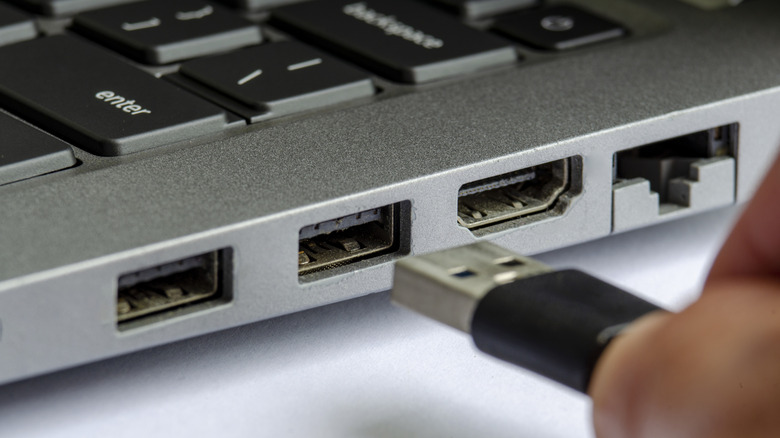
It is also vital to recognize that adjusting global power-saving configurations will not magically add post-shutdown charging capabilities to a computer whose motherboard hardware never supported the feature from the factory. Laptops introduce an entirely separate set of variables and limitations, primarily governed by internal battery preservation thresholds. Depending on the specific make and model, a laptop may intentionally suspend USB charging functionality as soon as the portable computer’s internal battery level dips below a predetermined reserve percentage. Furthermore, laptop charging features frequently depend on the computer remaining physically connected to an external AC wall adapter even after a shutdown sequence, a distinct operational restriction that should not be confused with desktop standby power logic. Users should also perform basic physical troubleshooting, such as ensuring the USB cable is securely seated within the port and utilizing a reliable, modern cable rather than degraded or outdated hardware.
What Does It Mean When a USB Port Is Always On?
In the context of modern personal computing, the phrase "Always On" specifically describes the persistent availability of electrical power, but it should not be conflated with universal functionality or data connectivity. A supported port retains the ability to deliver electrical current while the host computer is shut down, but this behavior is entirely dependent on underlying firmware parameters and may vary dramatically between individual ports located on the exact same machine.
Crucially, power delivery and data transfer represent two entirely separate technical capabilities. Observing a smartphone charge while a desktop tower is completely powered off does not mean the user can simultaneously transfer photographs, synchronize files, or execute data backups through that same connection. The functionality enabled by these settings is strictly electrical, providing a current to energize external batteries without establishing an active data bridge to the operating system.
Another persistent challenge for consumers is the widespread lack of standardization across the technology industry. Manufacturers utilize vastly different naming conventions, setup menus, and physical iconography to denote similar features. One desktop model might offer a dedicated software utility for power management, while a neighboring system relies entirely on deep-level UEFI configurations. Even within product lineups from a single manufacturer, capabilities and terminology frequently diverge, demonstrating that companies implement Always On USB technology through highly customized engineering approaches.
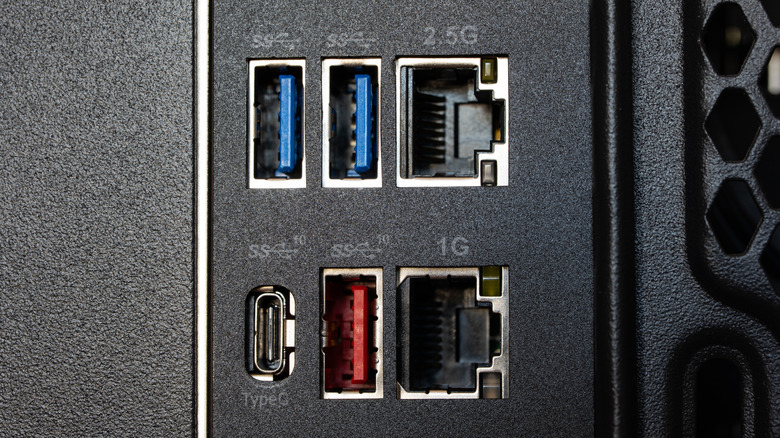
In practical terms, an Always On designation can imply several different operational states. The feature might remain active after a standard shutdown, persist only during low-power hibernation states, or function exclusively while the computer is in a sleep mode. On certain motherboards, the capability might apply to every single USB port on the chassis, while on others, it may be strictly restricted to a single, color-coded port located on the rear I/O panel. Manufacturers may utilize a combination of physical symbols, distinct port colors, explicit terminology, or brief manual footnotes to communicate these distinctions, leaving users to decipher the unique specifications of their chosen hardware.
Related News