Canva Will Let Users Switch Off Most Generative AI Features
Article Editorial Team

In a notable shift for a major tech platform navigating the current digital landscape, popular graphic design platform Canva is introducing new administrative controls that will allow its user base to switch off most generative artificial intelligence features. The move comes as software companies across the technology sector aggressively integrate AI tools into their workflows, often drawing mixed reactions from creative professionals, educators, and everyday users who prefer traditional design methods or wish to avoid synthetic media entirely.
Over the past year, Canva has mirrored the broader industry trend by rolling out a substantial suite of artificial intelligence integrations, text-to-image generators, and automated editing tools designed to speed up the creative process. While these additions have been praised by some for streamlining content creation, they have also raised concerns regarding intellectual property, environmental impact, and user autonomy. Today, the company is addressing these concerns by giving its millions of users the explicit option to strip generative artificial intelligence out of their daily workspace experience.
Under the newly deployed system, Canva is introducing two distinct settings aimed at giving individuals greater command over their creative environments. The first setting provides a binary toggle to turn all generative artificial intelligence features either completely off or on across the platform. The second setting is designed to reduce the frequency and prominence of generative AI content appearing within a user’s personal asset library and search results. Both free and paid Pro subscribers will have full access to these new controls, ensuring that the option to opt out is not restricted solely to enterprise or high-tier accounts.
Despite the comprehensive nature of the new toggle, Canva has clarified that certain boundaries and technical limitations apply to what can be disabled. Specifically, a select group of popular AI-powered editing tools—such as the widely used Background Remover and Magic Grab features—will remain fully operational even when the broader suite of generative artificial intelligence tools is turned off.
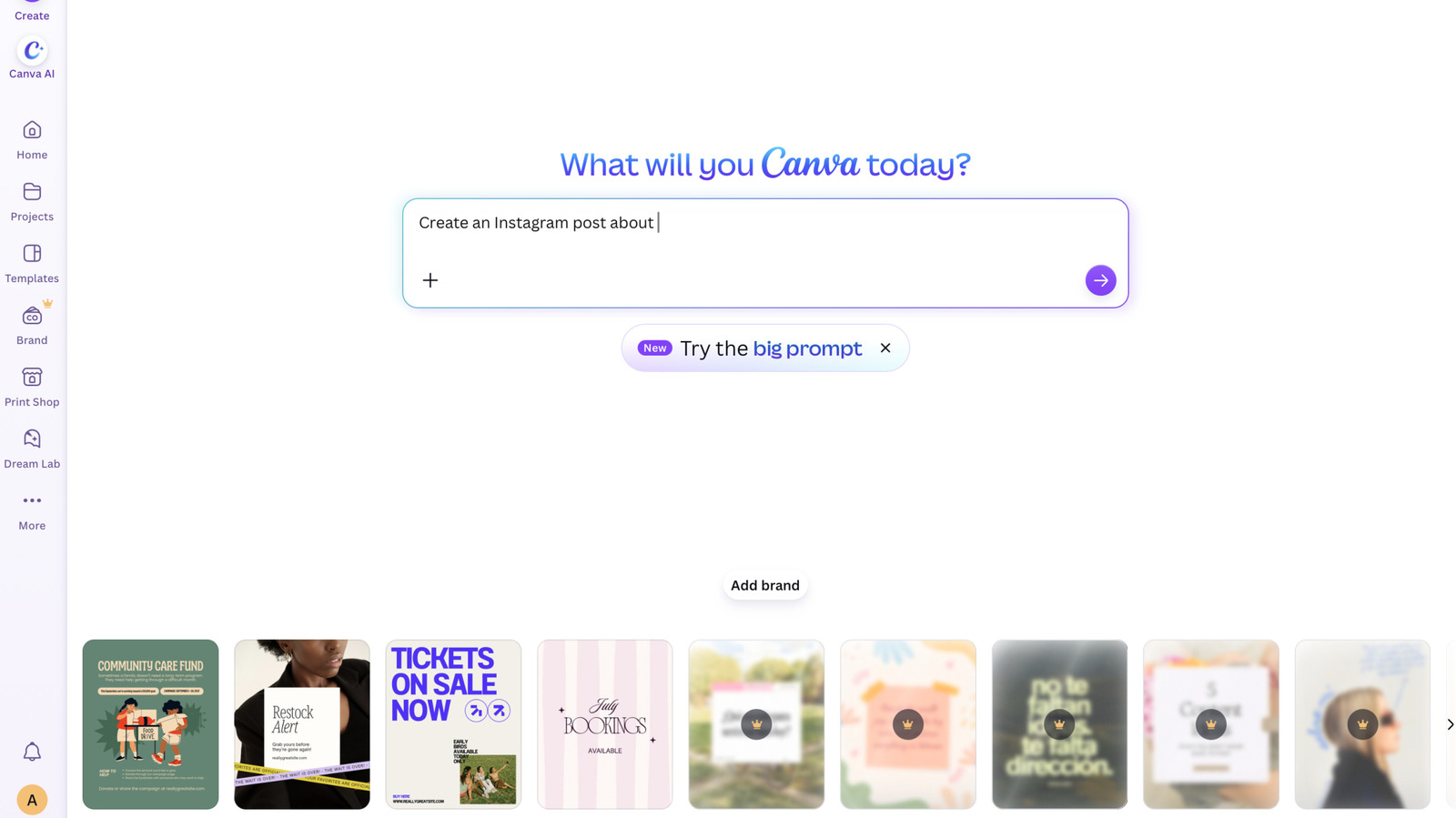
The rationale behind this distinction lies in the underlying technology driving those specific features. Unlike generative tools that synthesize entirely new pixels from text prompts or predictive models, utilities like Background Remover and Magic Grab do not rely on generative AI. Instead, they function by analyzing and manipulating the existing content of an uploaded image. Because they process pre-existing visual data rather than generating synthetic additions, using these features does not apply an artificial intelligence metadata tag to the resulting image file. Consequently, users who prefer to avoid generative text-to-image creation can still utilize these practical editing utilities without compromising their preference to bypass generative AI systems.
Similarly, the second new control, which targets the platform’s image library, comes with specific qualifiers. The library adjustment is engineered to significantly lower the probability of encountering an artificial intelligence-generated image produced by Canva when conducting searches or browsing templates. However, the company has stopped short of claiming that the setting will entirely block or eradicate such content from search results. Instead, the mechanism functions to reduce the visibility of synthetic assets, offering a cleaner experience for users who prefer human-created stock photography, illustrations, and design templates.
Implementing these adjustments within the platform is designed to be straightforward, integrated directly into the user account architecture. Both of the new settings can be located and modified by navigating through the user profile tab. To manage the broader, platform-wide generative artificial intelligence tools, users must access the permissions section of their settings menu, where they will find a straightforward toggle labeled to enable or disable generative AI features. Meanwhile, the library-specific setting can be reached by navigating first to the main account management page and subsequently locating the artificial intelligence personalization section, allowing users to fine-tune their visual discovery preferences according to their personal or professional standards.
This development reflects a growing awareness among major software providers that user choice is becoming an essential component of product adoption in the age of automated media creation. While artificial intelligence tools continue to dominate product roadmaps throughout the software industry, Canva’s decision to offer a standardized retreat from generative features acknowledges that a significant segment of its user community values traditional editing boundaries, asset control, and a workspace free from automated generation. By rolling out these granular controls to both free and Pro tiers, the platform is setting a precedent for balancing the rapid integration of emerging technologies with the fundamental demand for user customization and digital autonomy.
Related News